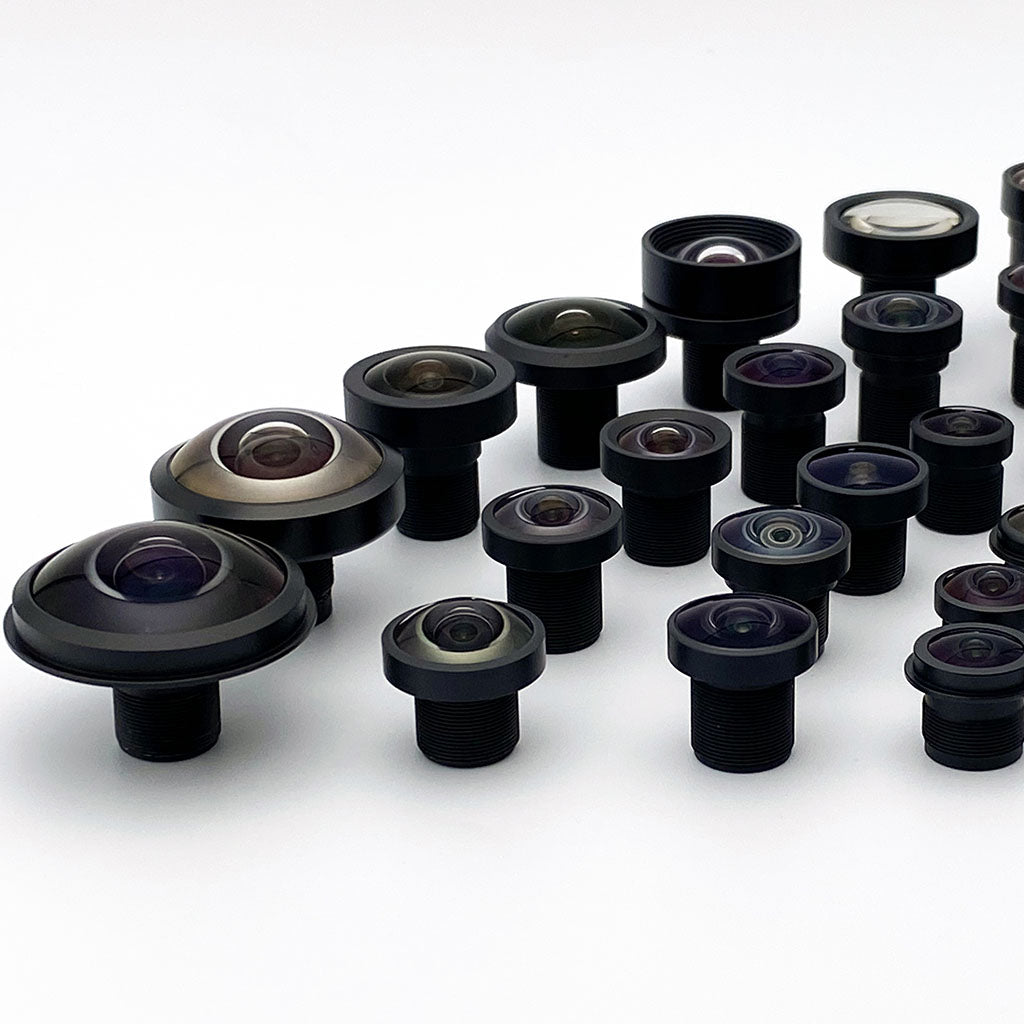


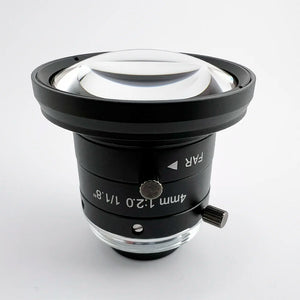

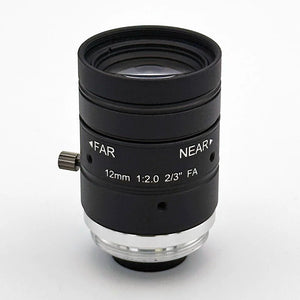
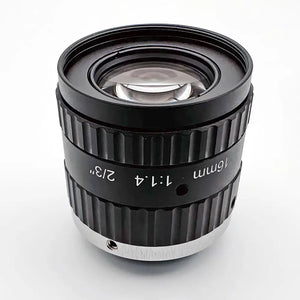
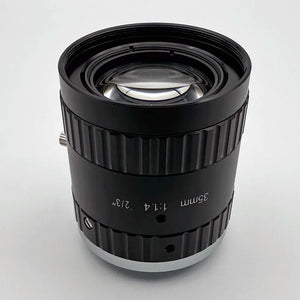
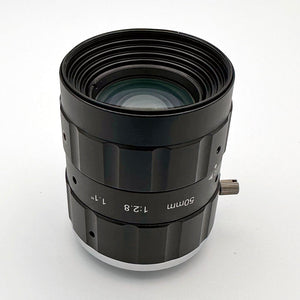


C-Mount Lenses by Sensor Format
Imaging optics for sensors up to 1.2" format. Check sample availability on the selected product variant.
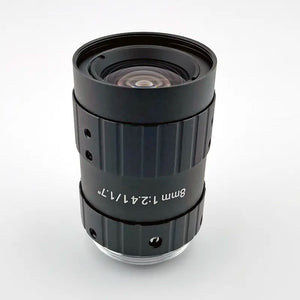
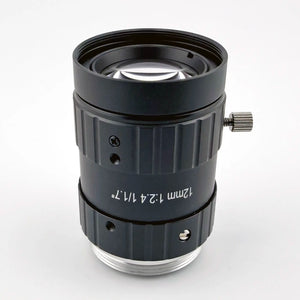
1/1.7" Format - 12MP
4mm, 6mm, 8mm, and 12mm focal lengths - View Collection
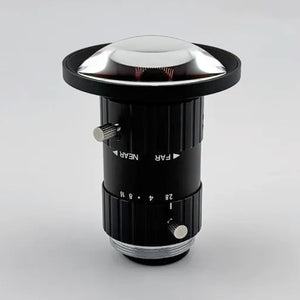
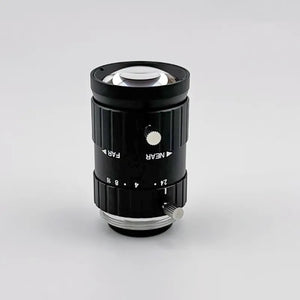
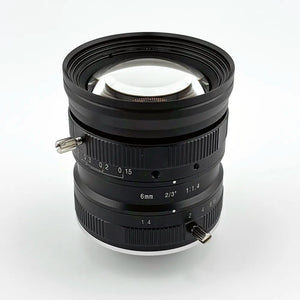
2/3" Format - 5MP Class
For Sony IMX250 and IMX264 cameras. Compare 5MP-class lenses
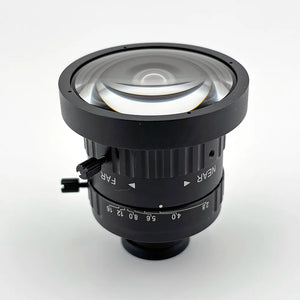
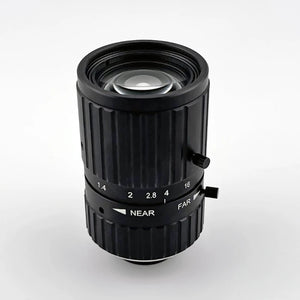
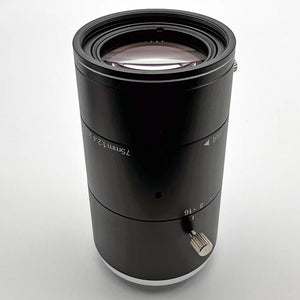
2/3" Format - 12MP
For Sony IMX546 cameras. Compare 12MP-class lenses
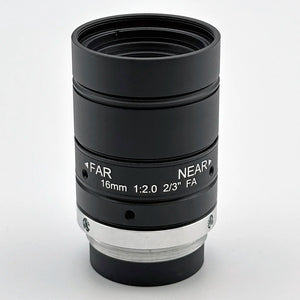
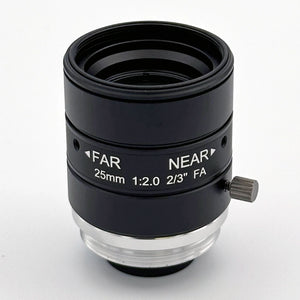
耐環境型Cマウントレンズ - 米国在庫あり
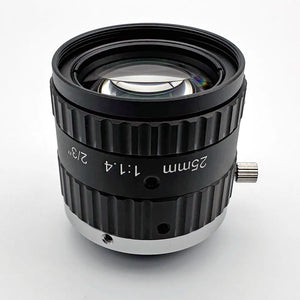
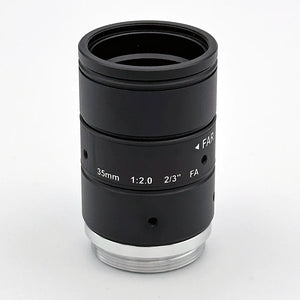
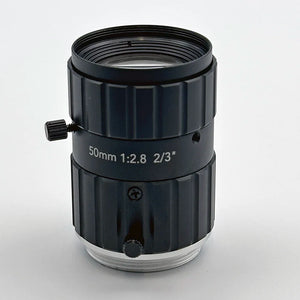
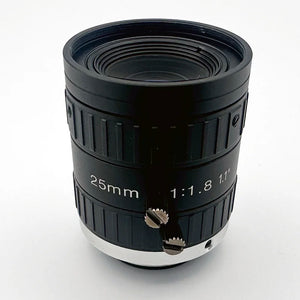
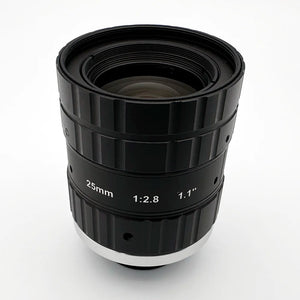
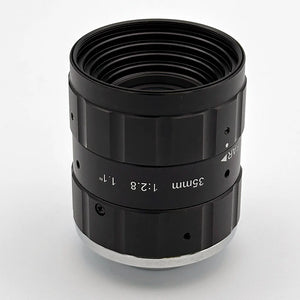
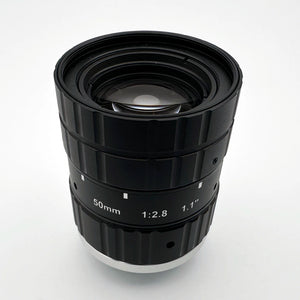
25mm, 35mm, and 50mm lenses with fixed-aperture ruggedized variants. Qualify the lens and mount against your application's shock and vibration profile.
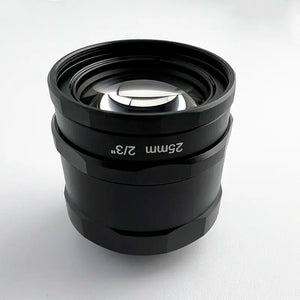
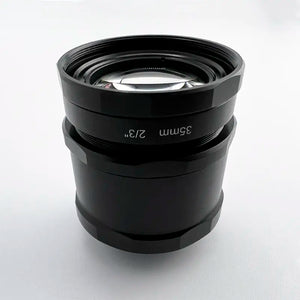
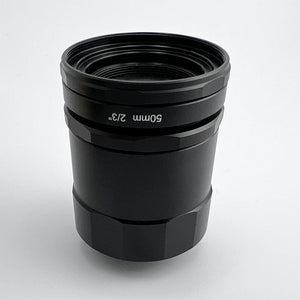
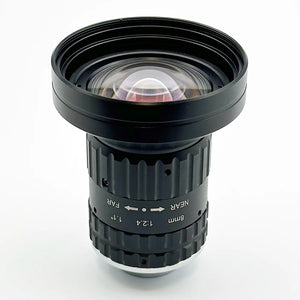
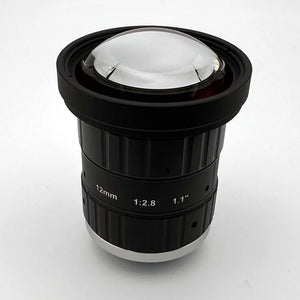
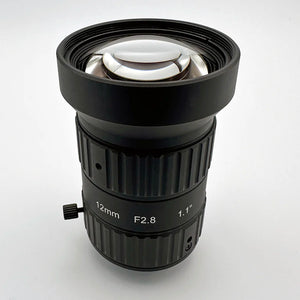
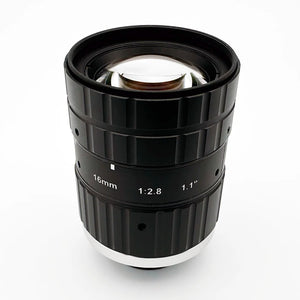
1.1インチフォーマット - 1200万画素の大判センサー
大判センサー(Sony IMX253、IMX304) - コレクションを見る
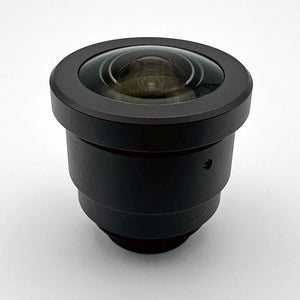
1.1" Format - 20MP Class
Sony IMX541, a 1.1" part at 17.5mm diagonal and 20.4MP - View Collection
1.2" Format - 24.5MP Maximum Format
Largest format sensors (Sony IMX530 and IMX540, both 1.2" at 19.3mm diagonal) - View Collection

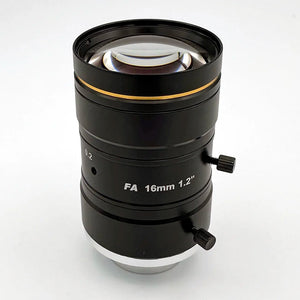

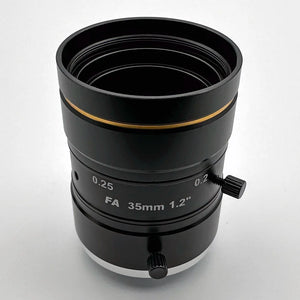
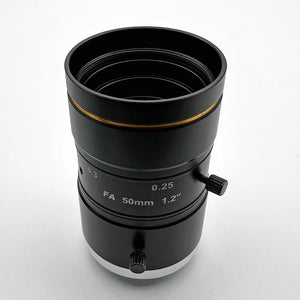
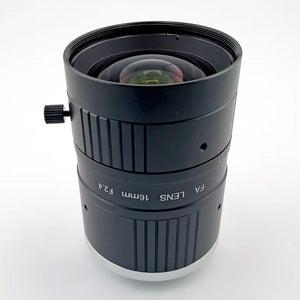
Choosing a Focal Length
Start with the width of the part you need to see and the space between the lens and the part. In the lens finder, choose your sensor and set the working distance to compare the field widths. Check that the lens can focus at that distance and that its image circle covers the sensor diagonal.
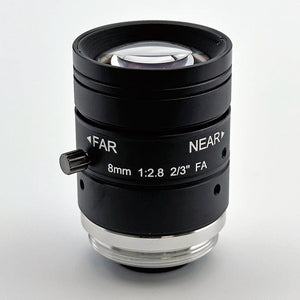
On a Sony IMX253, for example, the 8mm lens gives a calculated 83° horizontal field of view. The 25mm lens covers 32° on the same sensor. The IMX253 and IMX304 comparison lists the horizontal and vertical angles for each focal length.

